
1. Login to Opus EHR
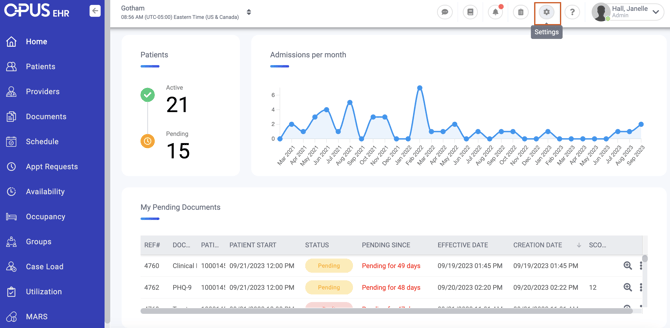
2. Click "Settings"
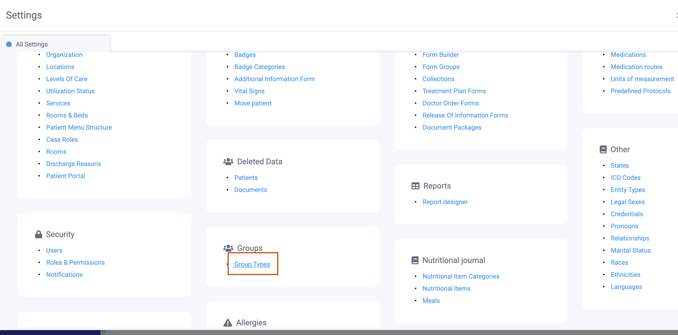
3. Click Group Types
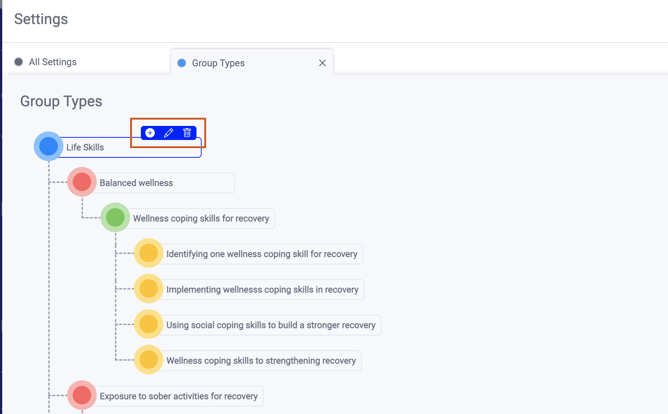
4. To Add a new type, hover over the section you would like to add it to and click the '+' symbol
5. Add the Group Type name and details
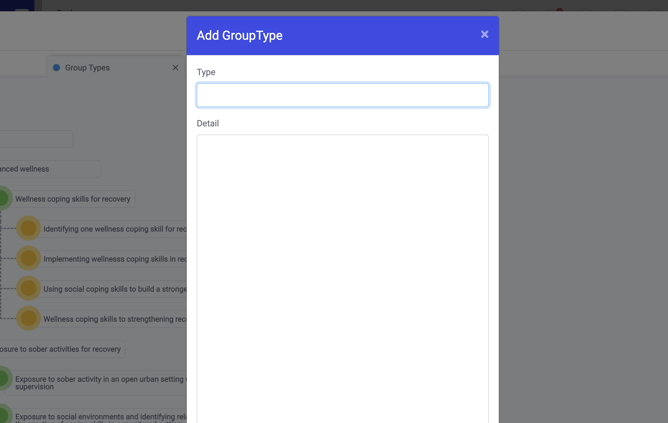
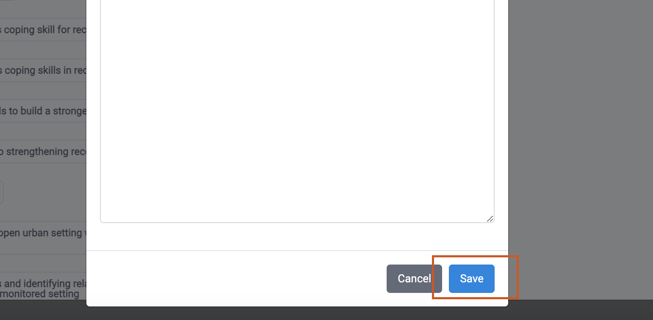
6. Click save
1. Login to Opus EHR
2. Click "Settings"
3. Click Group Types
4. To Add a new type, hover over the section you would like to add it to and click the '+' symbol
5. Add the Group Type name and details
6. Click save