
1. Log in to your Breeze EMR
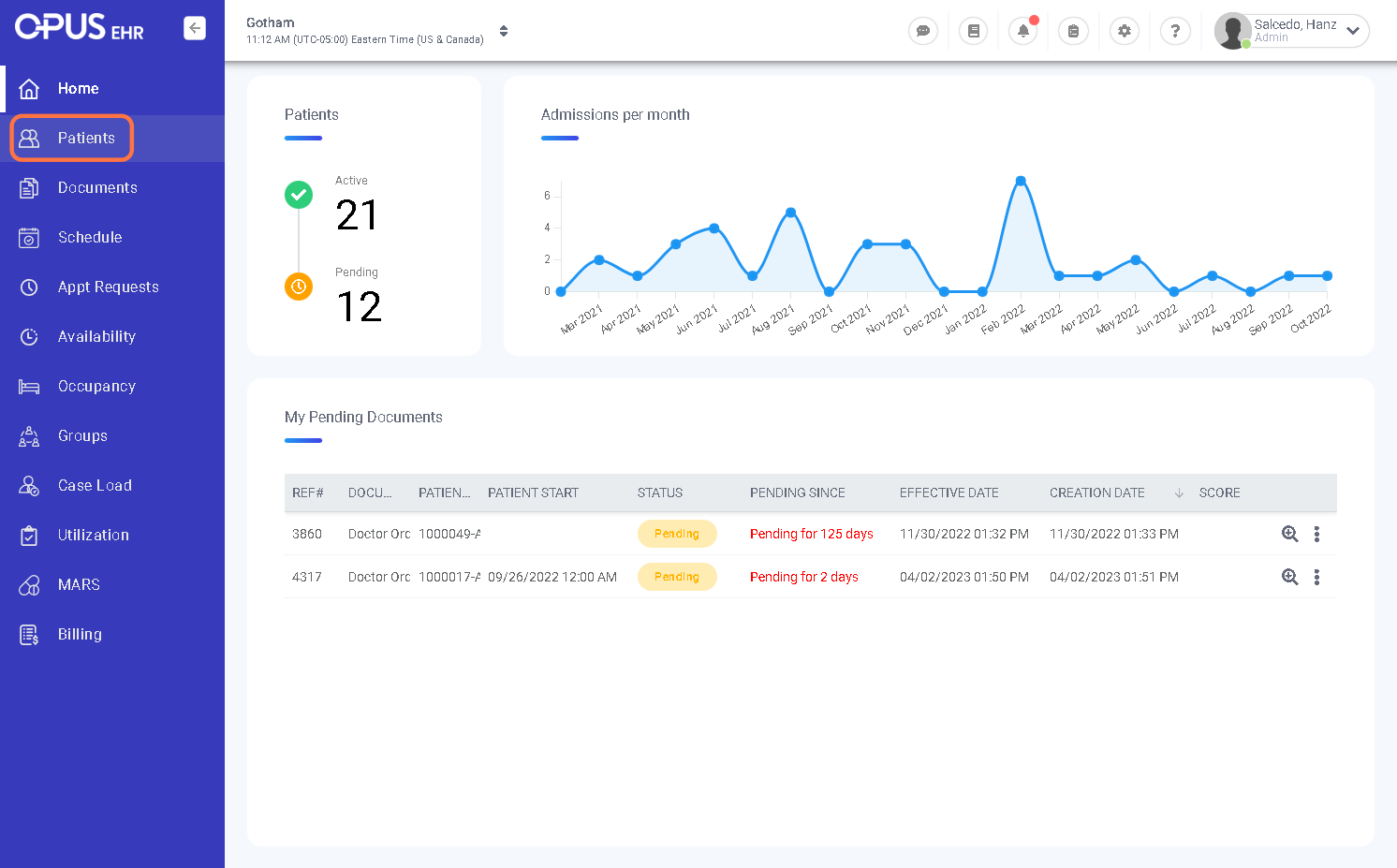
2. Click on Patients
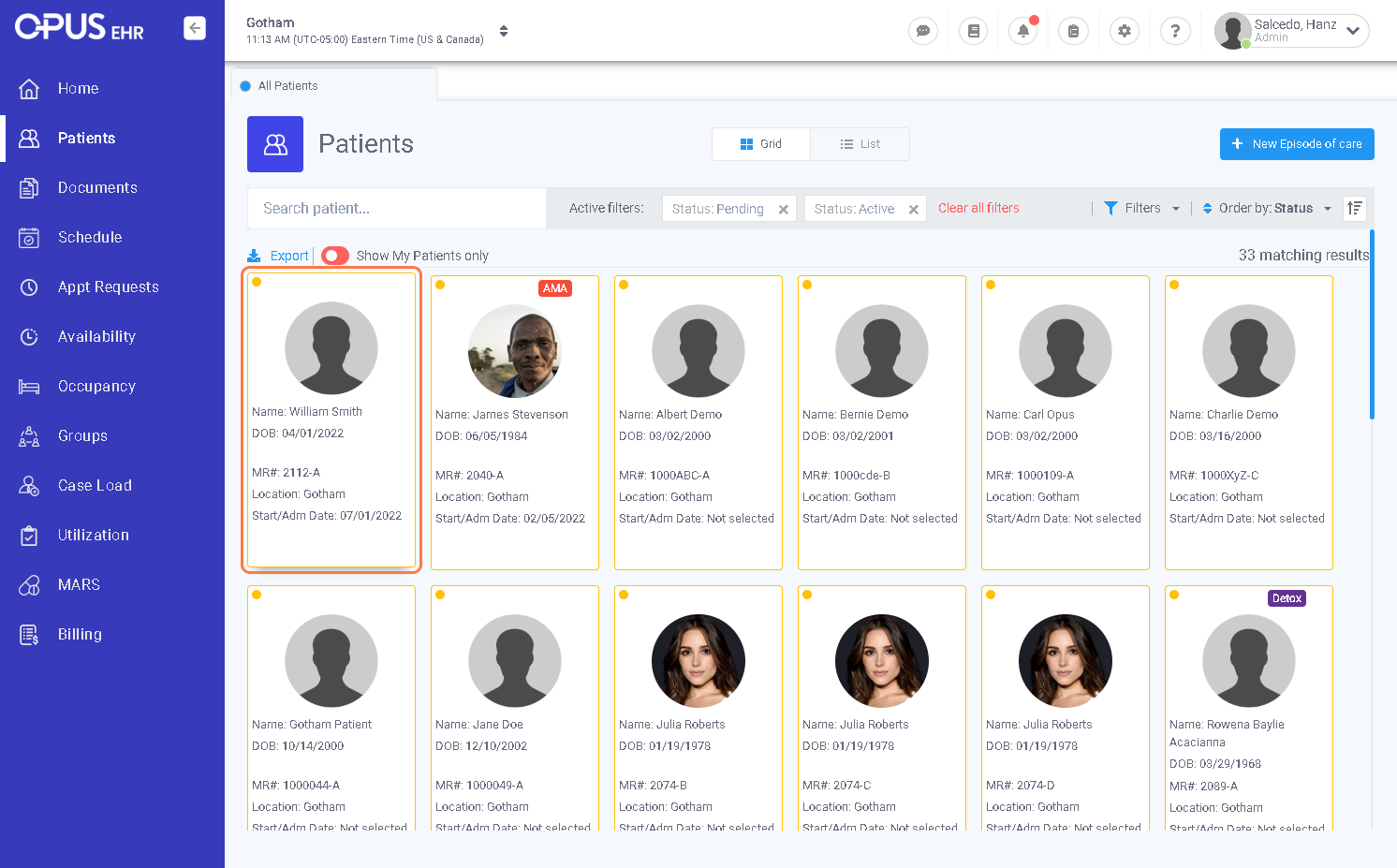
3. Click the patient that you want to add a contact
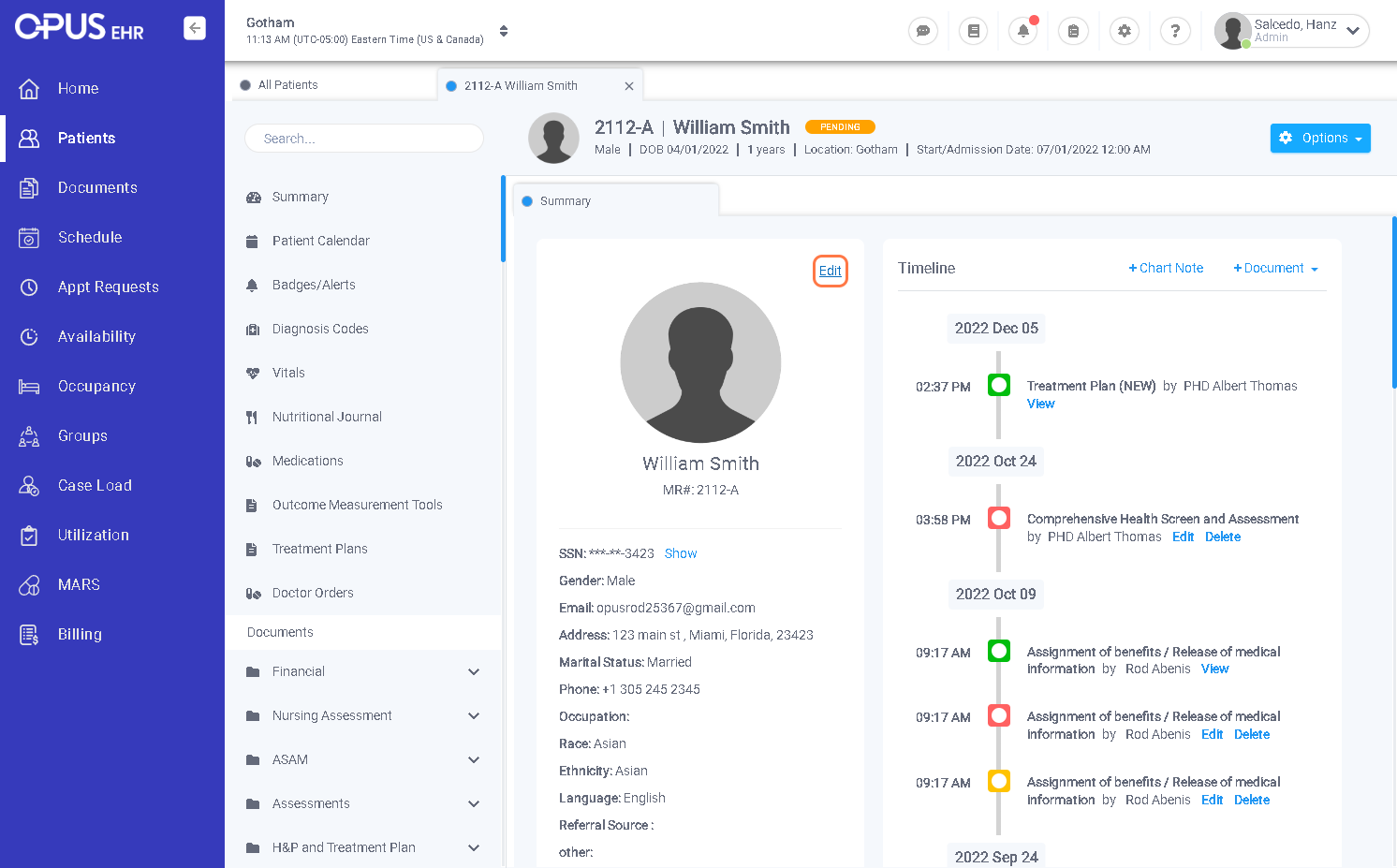
4. Click on Edit
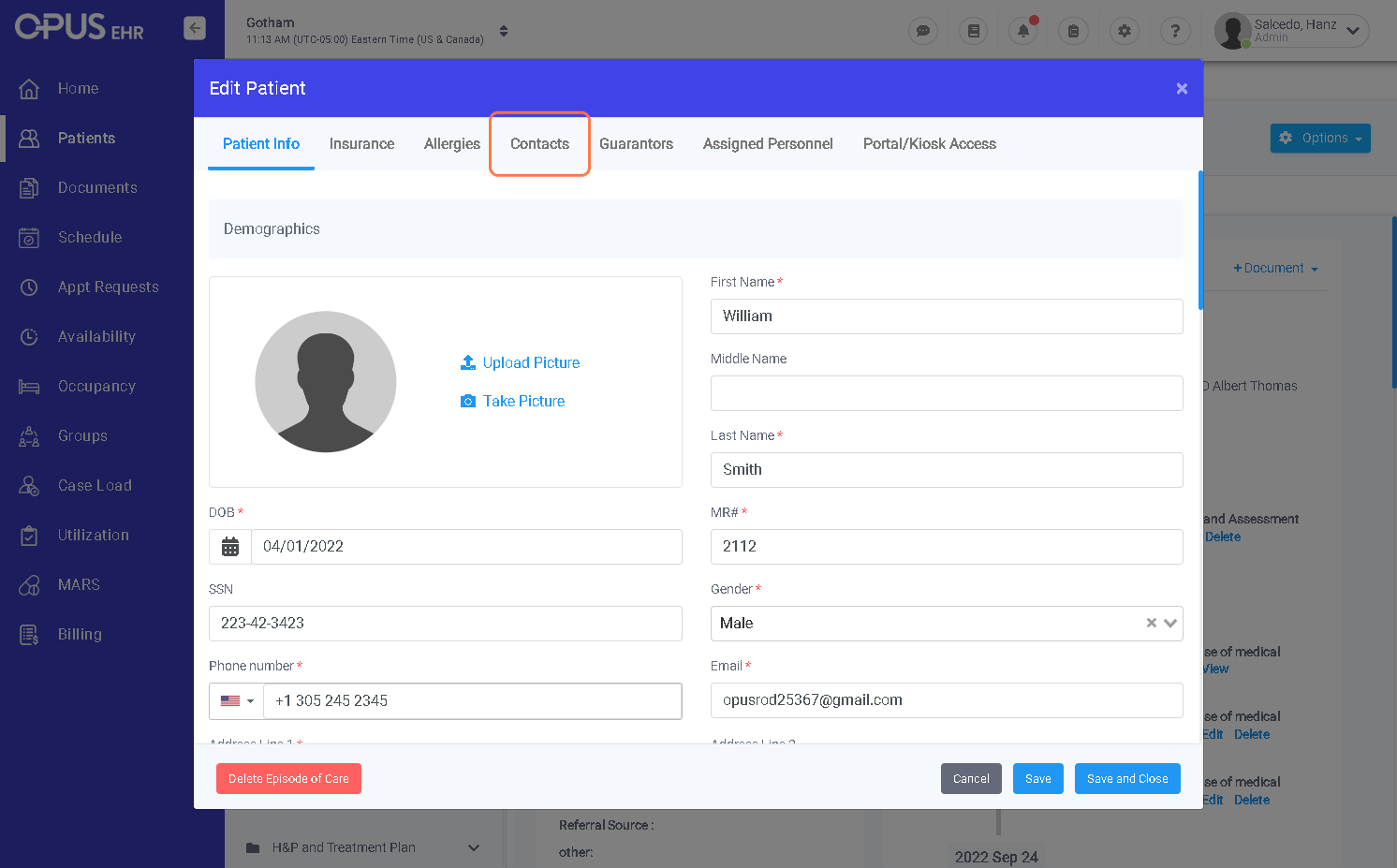
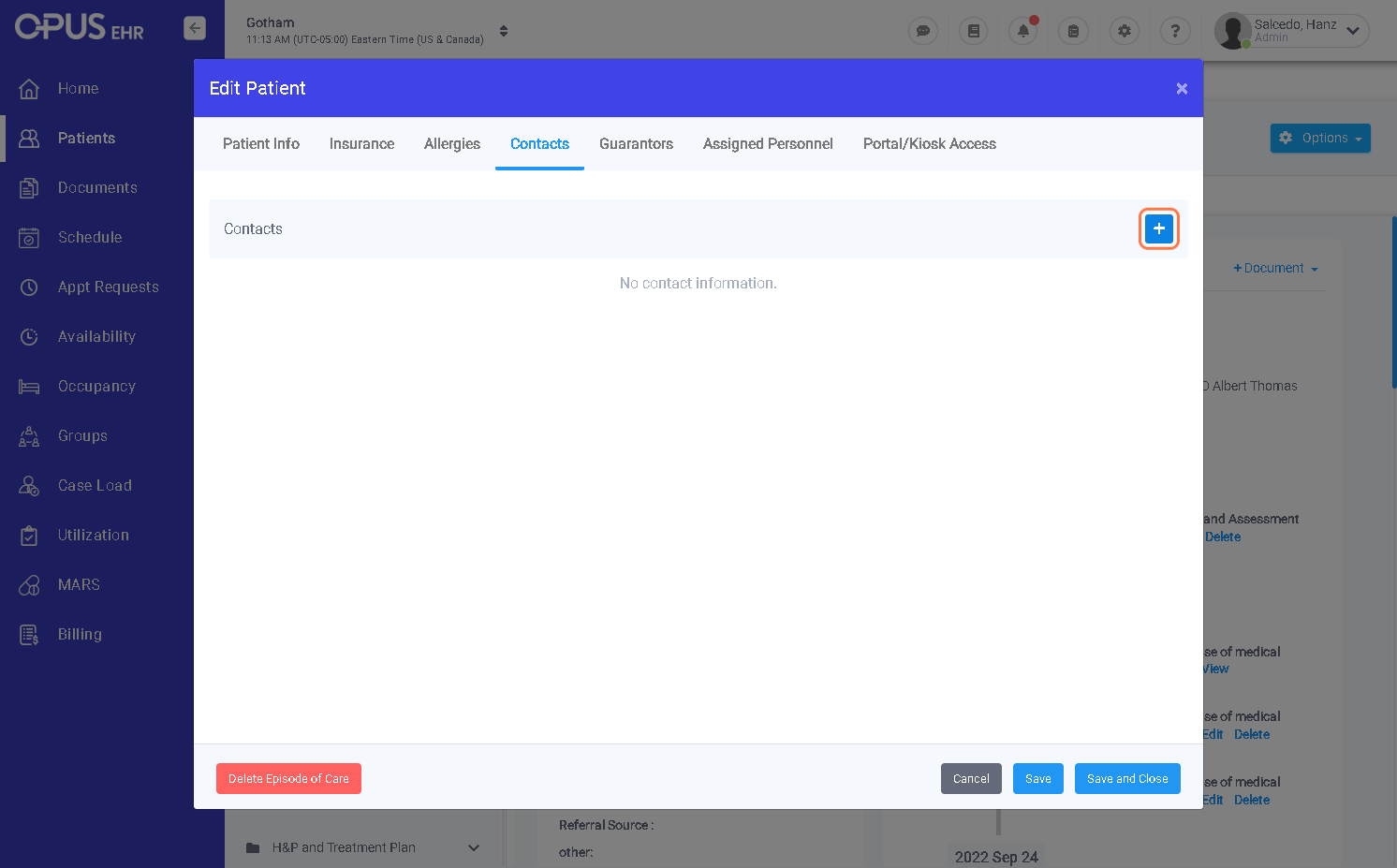
5. Click on Contacts
6. Click the + button
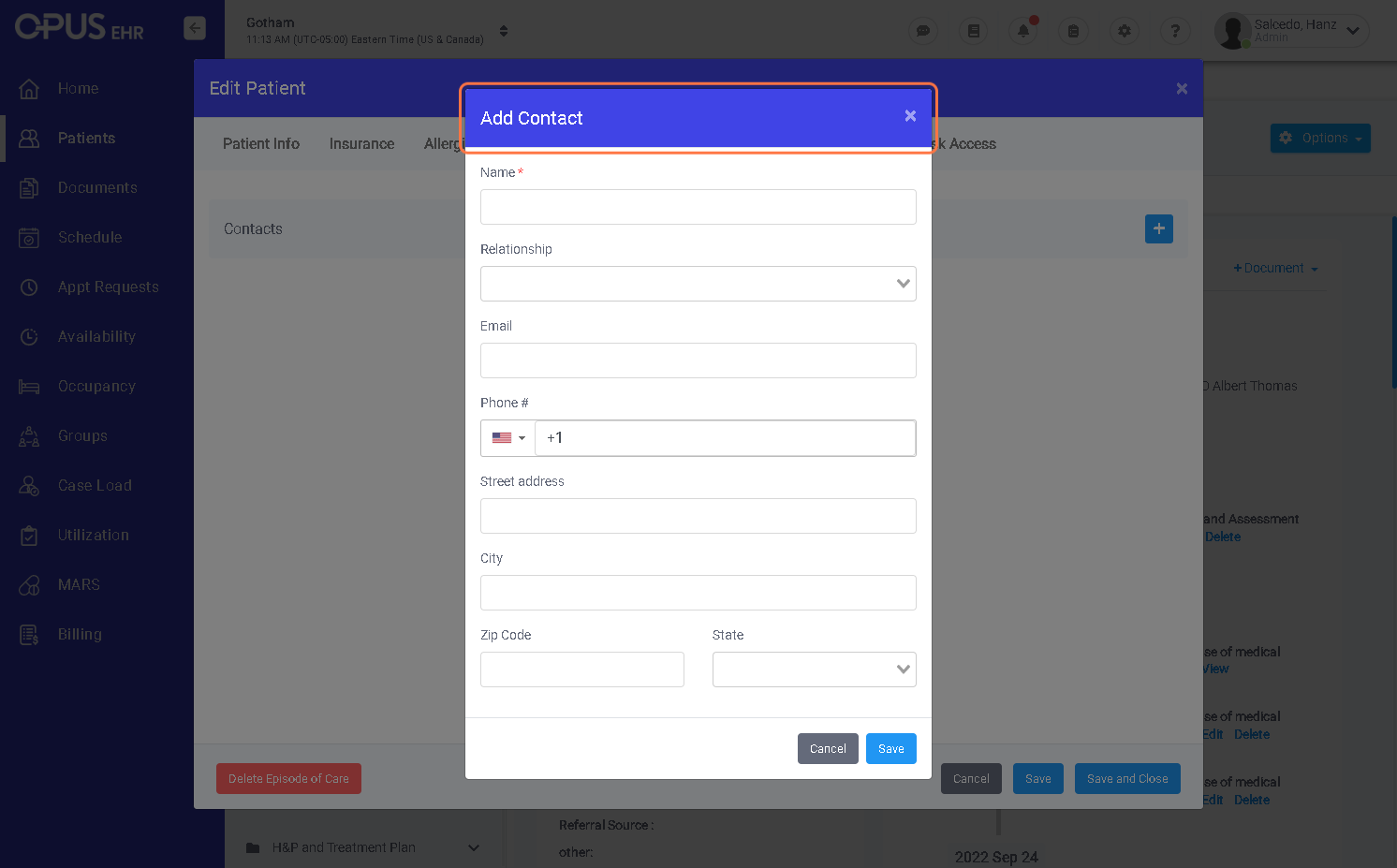
7. Fill out using contact information
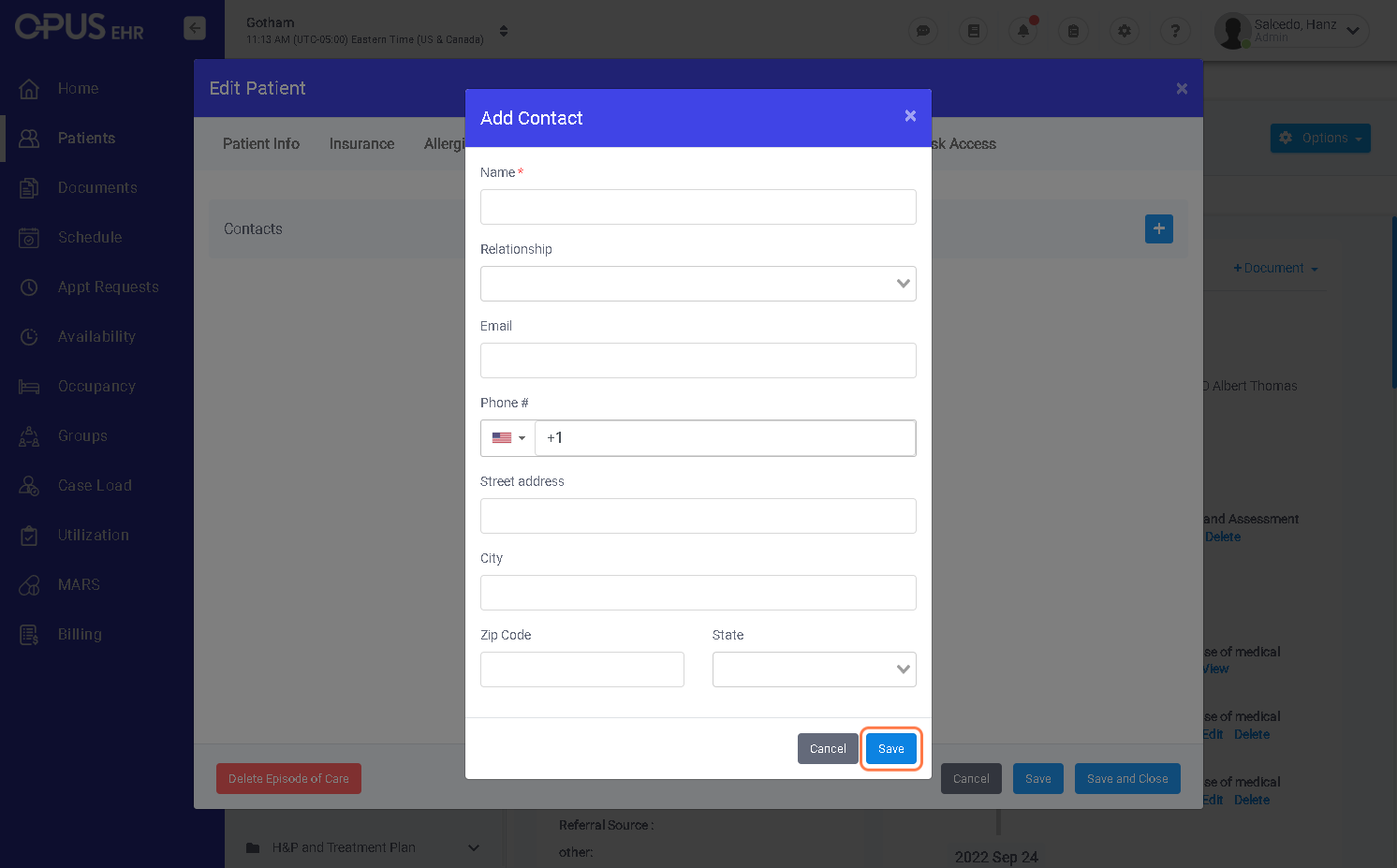
8. Click on Save
1. Log in to your Breeze EMR
2. Click on Patients
3. Click the patient that you want to add a contact
4. Click on Edit
5. Click on Contacts
6. Click the + button
7. Fill out using contact information
8. Click on Save